
Type a topic.
Get a finished Short.
Shorvo writes the script, finds the footage, adds narration and captions, and turns it into a vertical video. Or paste your own script.
Windows 10/11 · 3 videos free
How it works.
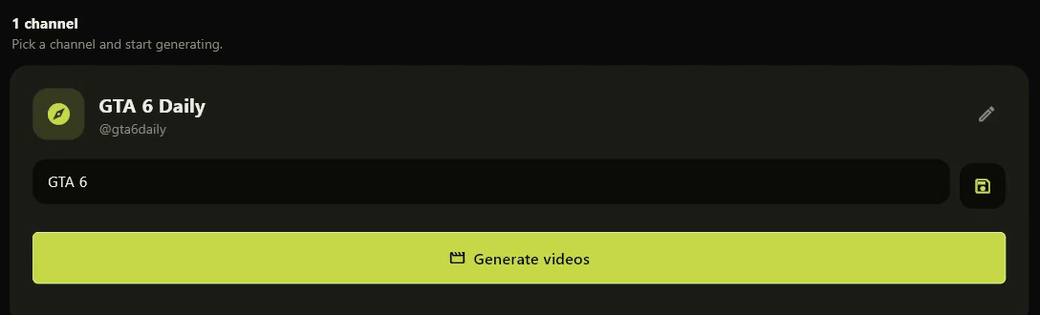
A channel, then a topic
A channel holds one subject. Type the topic for this video, or press the dice for an angle Shorvo suggests, then press Generate.
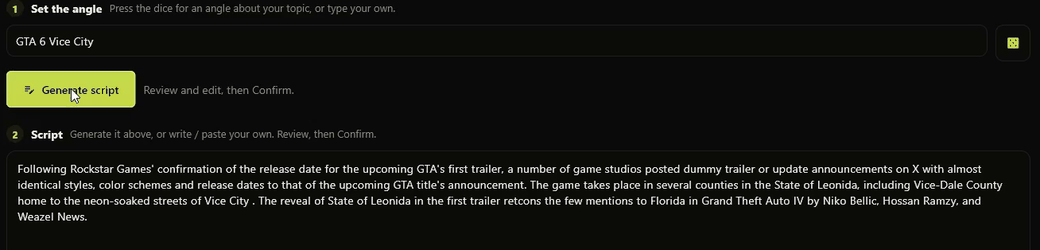
Write it, or paste your own
Shorvo drafts a script for the angle and shows it to you. Edit it, replace it, or paste something you wrote yourself. Nothing renders until you confirm.
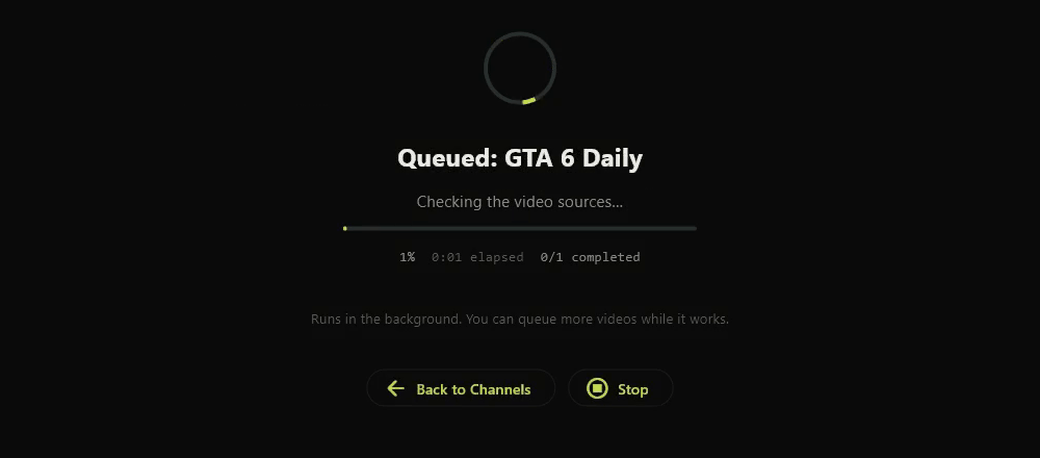
Footage, narration, captions, cut
Shorvo finds and screens the footage, reads the script aloud, burns in word-timed captions and cuts the vertical video. It runs in the background while you carry on, and the finished video lands in your library.
Buy it once.
Shorvo is a program you install. Pro is a single payment, and the videos are made on your own machine.
- No subscriptionOne payment for Shorvo Pro Lifetime.
- No monthly creditsPro does not meter how many videos you make.
- Runs on your PCThe render happens locally and the files are yours.
- Your own script, if you preferPaste it and ignore the built-in writer.
Where your videos go.
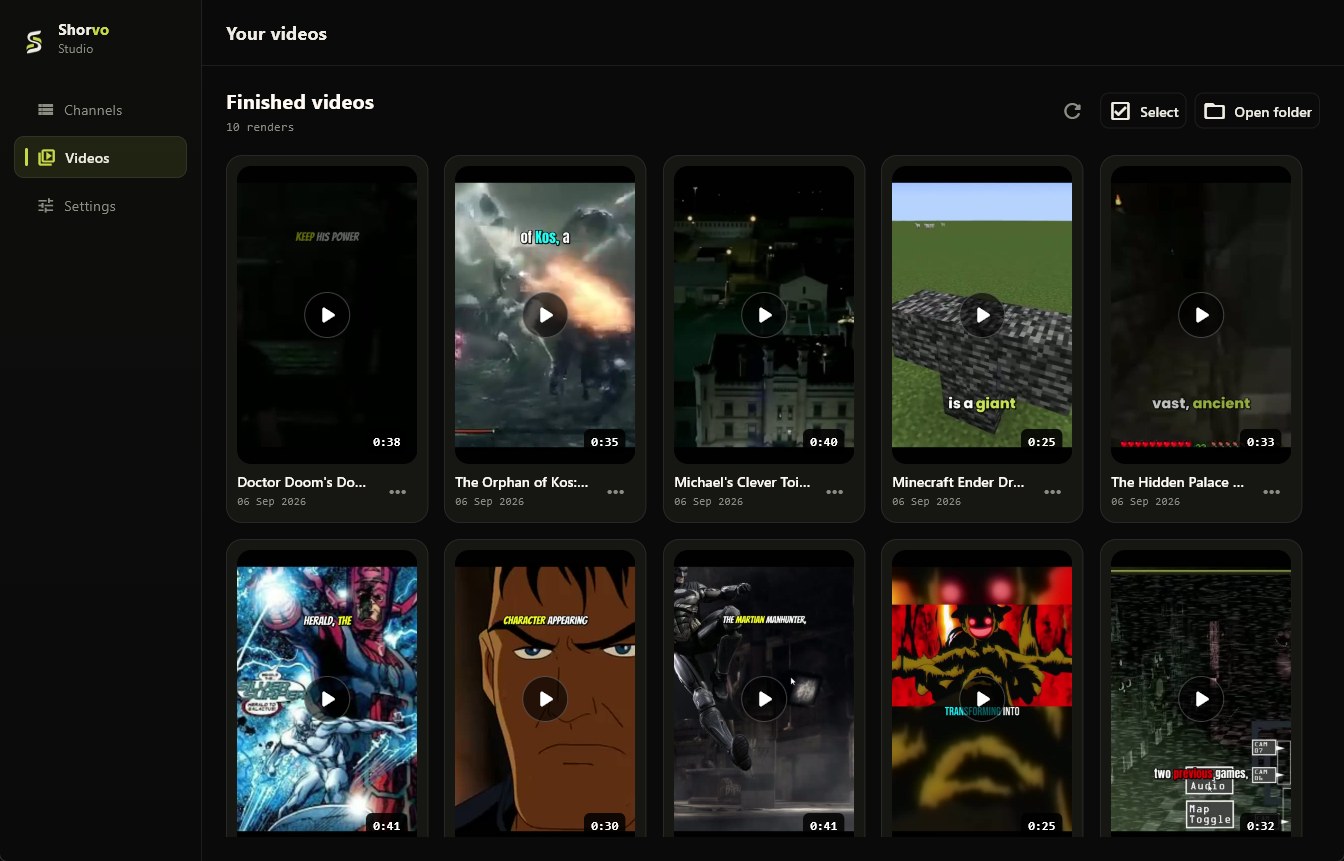
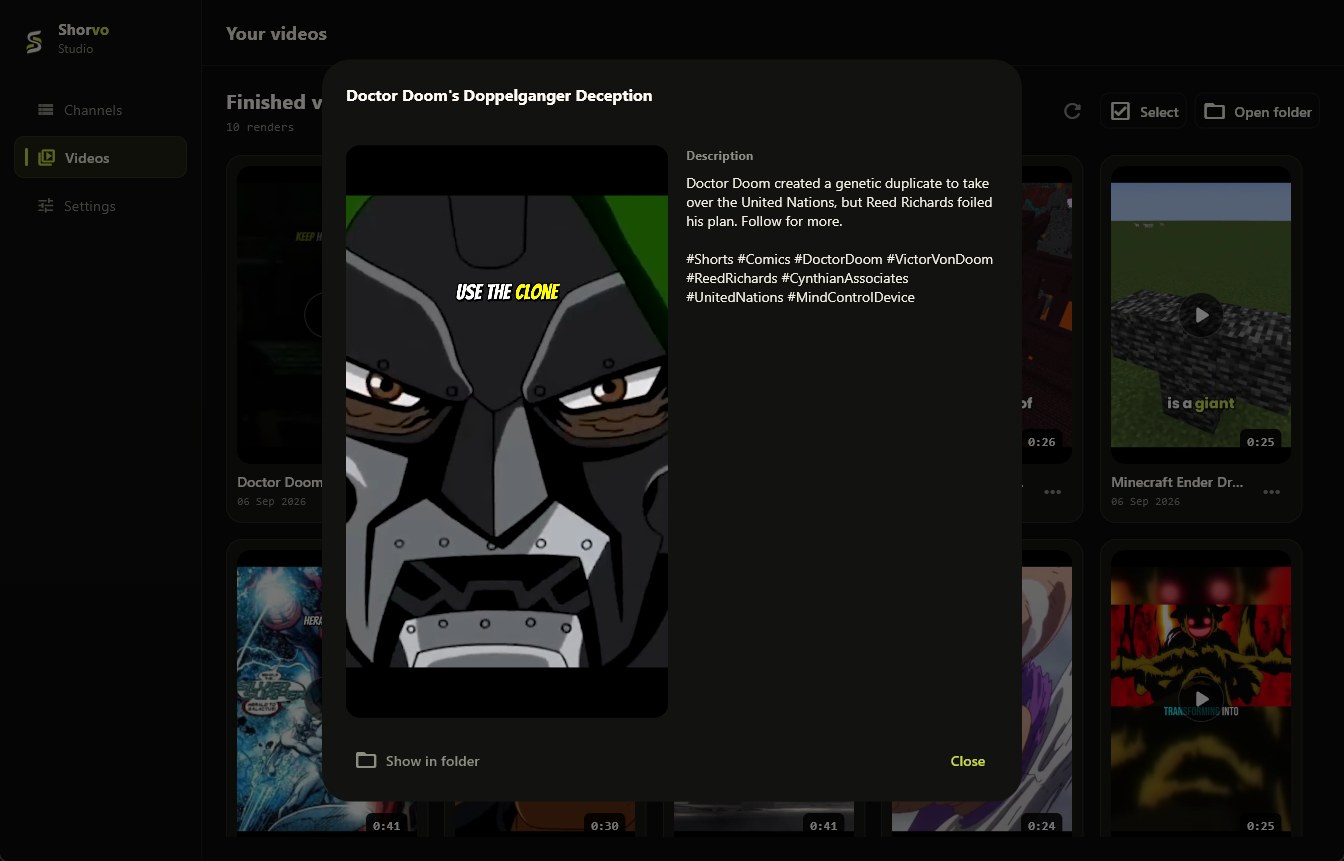
Finished videos go to your library and to a folder you choose. Each one keeps the title and description Shorvo wrote for it.
Start free. Go Pro when you're ready.
Try Shorvo free.
$0
Create 3 finished videos free.
- No card required
- Small Shorvo watermark
- Runs on your PC
One-time purchase.
Unlimited channels and videos.
$129
One payment. No subscription.
- Unlimited channels
- Unlimited local videos
- No Shorvo watermark
What to expect.
A few things worth knowing before your first generation.
Footage varies by topic
Shorvo finds footage around your subject automatically. Well-covered topics usually offer more choices, while niche subjects can have more limited or varied results. Trying a different angle can produce a different visual mix.
Generation time varies
Different topics and different PCs can take different amounts of time. Once you start, Shorvo handles the generation process for you and tells you when it is done.
Review before you publish
Give the finished Short a quick review before posting. Check the script, the visuals and anything important to your channel. You decide what gets published.
Internet is required while Shorvo is finding footage. Narration, captions and the final render happen on your PC.
System requirements.
- Operating system
- Windows 10 or Windows 11, 64-bit. There is no macOS, Linux, mobile or browser version.
- Disk space
- Room for the app, a one-time media component and your finished videos.
- Connection
- Needed while Shorvo is finding footage, and to sign in.
Frequently asked questions.
What exactly is Shorvo?
A Windows desktop application that builds vertical short-form videos. You give it a subject and an angle, or your own script. It writes or accepts the words, finds footage, reads the narration aloud, burns in captions and assembles a 1080 by 1920 video on your PC.
How does the free version work?
You get 3 successful videos in total, on your account. Free videos carry a small Shorvo watermark. Everything else is the same workflow Pro uses.
Can I use my own script?
Yes. Paste your script into the script box and the built-in writer is skipped entirely. Shorvo finds footage that matches your words and builds the video around them.
Why does the first video take longer?
The first time you generate, Shorvo downloads a media-analysis component it needs to screen footage. It is a one-time download that stays on your PC, so every generation after the first skips it.
How many channels and videos can I create with Pro?
As many as you want, of both. A channel is one subject, and each keeps its own name, handle and style, so videos from the same channel stay on theme.
What happens if a generation fails?
Some topics have little suitable footage; trying a different angle usually helps.
Can I use it on more than one computer?
The licence covers one active computer at a time. You can move it to another machine; the first one signs out when you do.
Where do the videos go?
Into your Videos library inside Shorvo and into a folder you choose on your PC. Each video comes with the title and description Shorvo wrote for it. Nothing is uploaded or published for you.
Am I allowed to publish what it makes?
That is your call to make, and the responsibility is yours. Shorvo assembles footage from third-party sources, so read the script, watch the video and check you are allowed to use what is in it before you publish. We make no claim that any output is copyright-free or safe to monetise.
Which versions of Windows are supported?
Windows 10 and Windows 11, both 64-bit. There is no macOS, Linux, mobile or browser version, and none is promised.
Make your first Short free.
3 videos free. No card required.