
An AI video generator
for Windows.
Most AI video generators run in a browser and bill per month or per credit. Shorvo is a program you install on Windows 10 or 11. You paste a script, and it finds footage, adds an AI voice and captions, and renders a vertical 1080 by 1920 MP4 on your own computer.
Windows 10/11 · First 3 videos free · Pro $129 $77.40 with code BF40 until Dec 10Then $129 once
Inside the app.
Screenshots from the Shorvo Windows app.
The app on your desktop
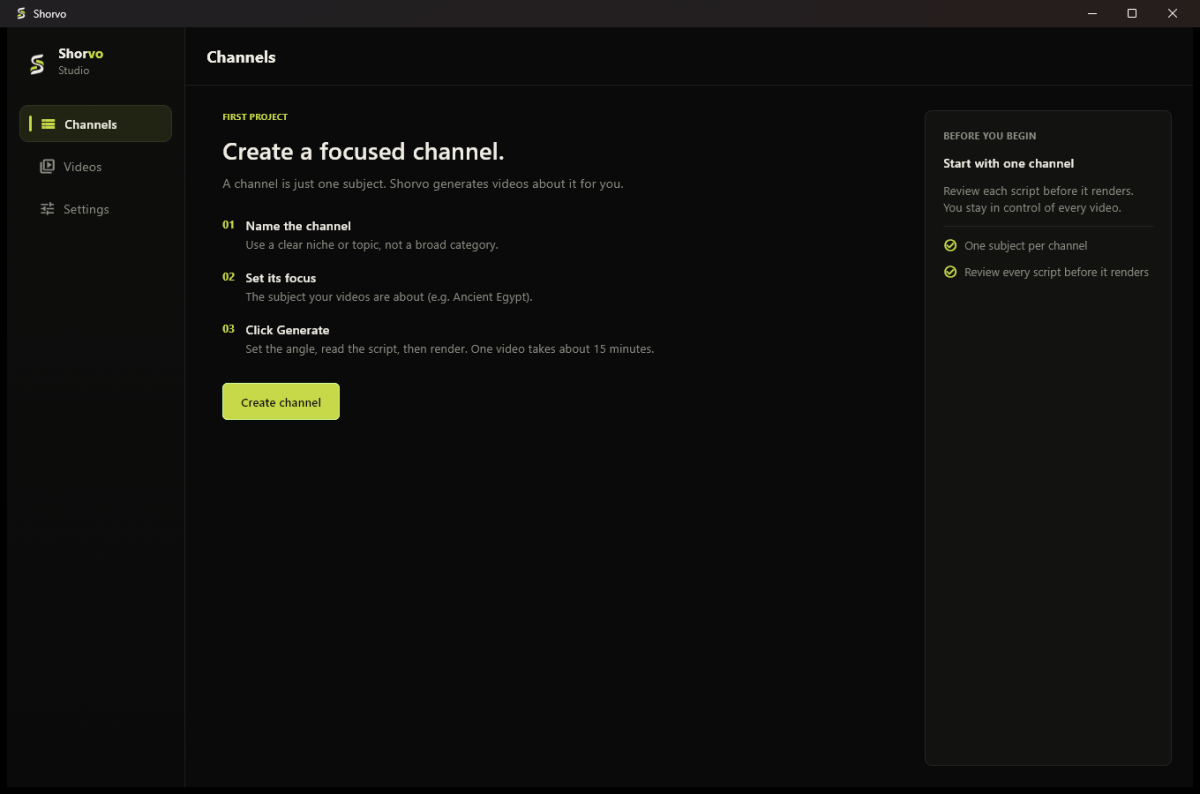
Shorvo opens as a normal Windows program. A channel holds one subject.
Rendering on your PC
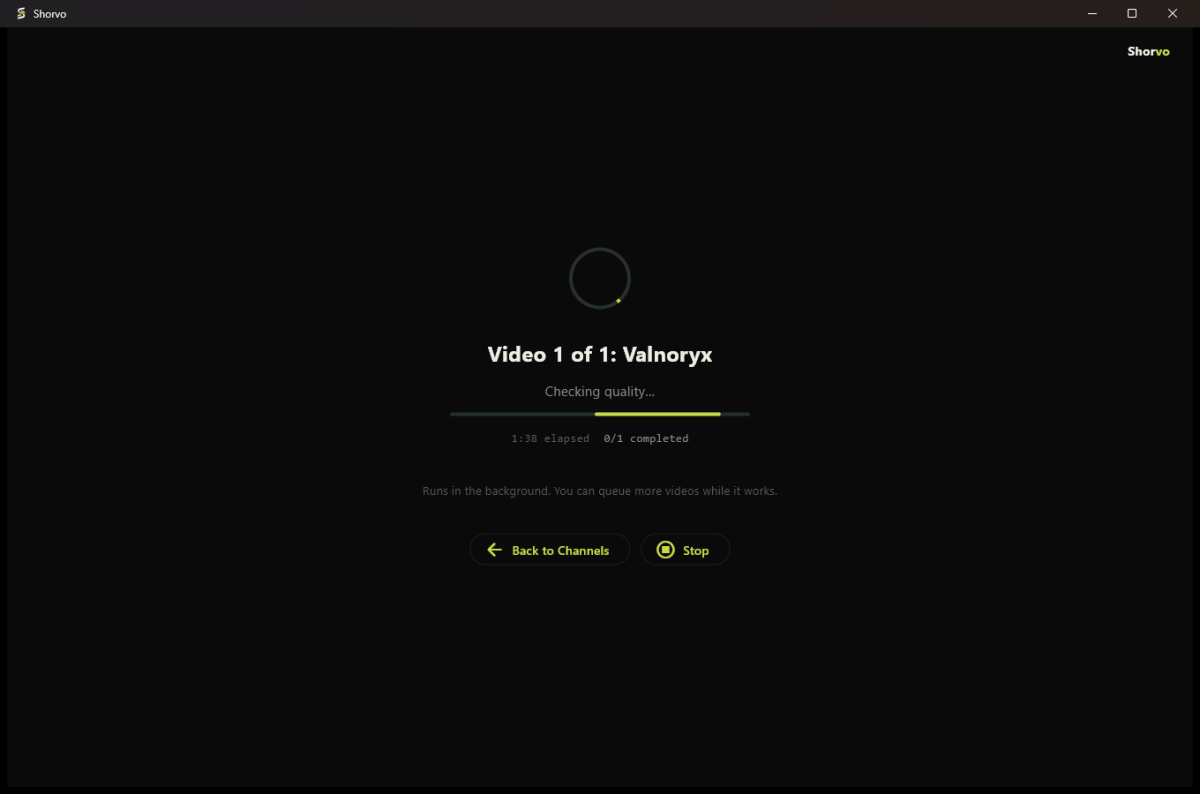
The render runs in the background on your own machine while you do something else.
Why a desktop app instead of a website.
Three differences you notice right away.
- Runs on your PC
- The narration, captions and final render are made on your machine, and the finished files stay in a folder you choose.
- No render queue or credits
- Pro does not meter how many videos you make. Nothing counts down per export.
- One payment
- The first 3 videos are free. Pro Lifetime is $129 once, with nothing to renew.
- Honest limits
- Narration, captions and the final render happen on your own PC. You need an internet connection to sign in and while Shorvo finds footage. It is not an offline tool.
How it works on Windows.
From installer to finished Short.
- Install Shorvo. Download the installer (about 1 GB) and run it on Windows 10 or 11, 64-bit. Create a free account when the app opens.
- Create a channel. A channel holds one subject, for example one game, one show or one history topic, so videos from the same channel stay on theme.
- Paste your script, or type a topic. Pasting a script works right after installing. Starting from a topic uses an optional writer, a separate free download of about 4.7 GB in Settings.
- Let it render. Shorvo finds and screens footage, narrates the script, adds word-timed captions and cuts the 9:16 video in the background. On our test PC, recent videos took about 10 to 30 minutes each, depending on the topic.
- Watch it, then post it yourself. The MP4 lands in your library and on disk. Shorvo does not upload anything for you.
What you need.
Windows 10 or Windows 11, 64-bit, room on disk for the app, a one-time media component and your videos, and an internet connection while Shorvo finds footage. There is no Mac, Linux, mobile or browser version.
Common questions.
Is there a free AI video generator for Windows?
Shorvo's first 3 successful videos are free, with a small watermark and no card required. After that, Pro Lifetime is $129 once.
Does Shorvo work offline?
Not completely. Narration, captions and the final render happen on your own PC. You need an internet connection to sign in and while Shorvo finds footage.
Does it work on Windows 10?
Yes. Shorvo supports Windows 10 and Windows 11, both 64-bit.
Is it available for Mac?
No. Shorvo is Windows only, and no Mac version is promised.
What kind of videos does it make?
Vertical faceless Shorts: footage, an AI voice reading your script, and burned-in captions, at 1080 by 1920. They fit YouTube Shorts, TikTok and Reels.
Try it on your PC.
3 videos free. No card required. Windows 10/11.