
AI YouTube Shorts generator
for Windows.
Paste your script. Shorvo finds the footage, reads it aloud with an AI voice, burns in captions and renders a finished vertical Short on your PC, without you manually editing a timeline.
Windows 10/11 · First 3 videos free · Pro $129 $77.40 with code BF40 until Dec 10Then $129 once
How it works.
Three steps from a finished script to a 1080 by 1920 MP4.
1. Paste your script
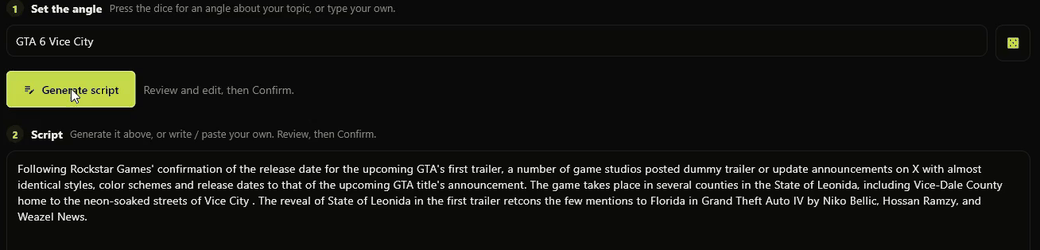
Create a channel for one subject, such as one game, one show or one history topic. Then paste the script for this Short into the script box. This works as soon as Shorvo is installed.
2. Shorvo builds the video
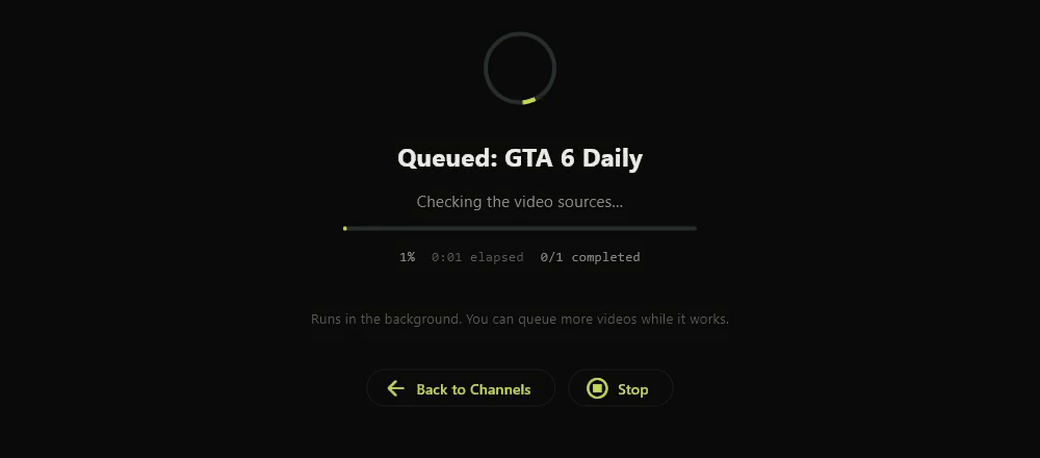
It finds and screens footage around your subject, narrates the script, adds word-timed captions and cuts everything to 9:16. It runs in the background while you do something else.
3. Watch it, then post it yourself
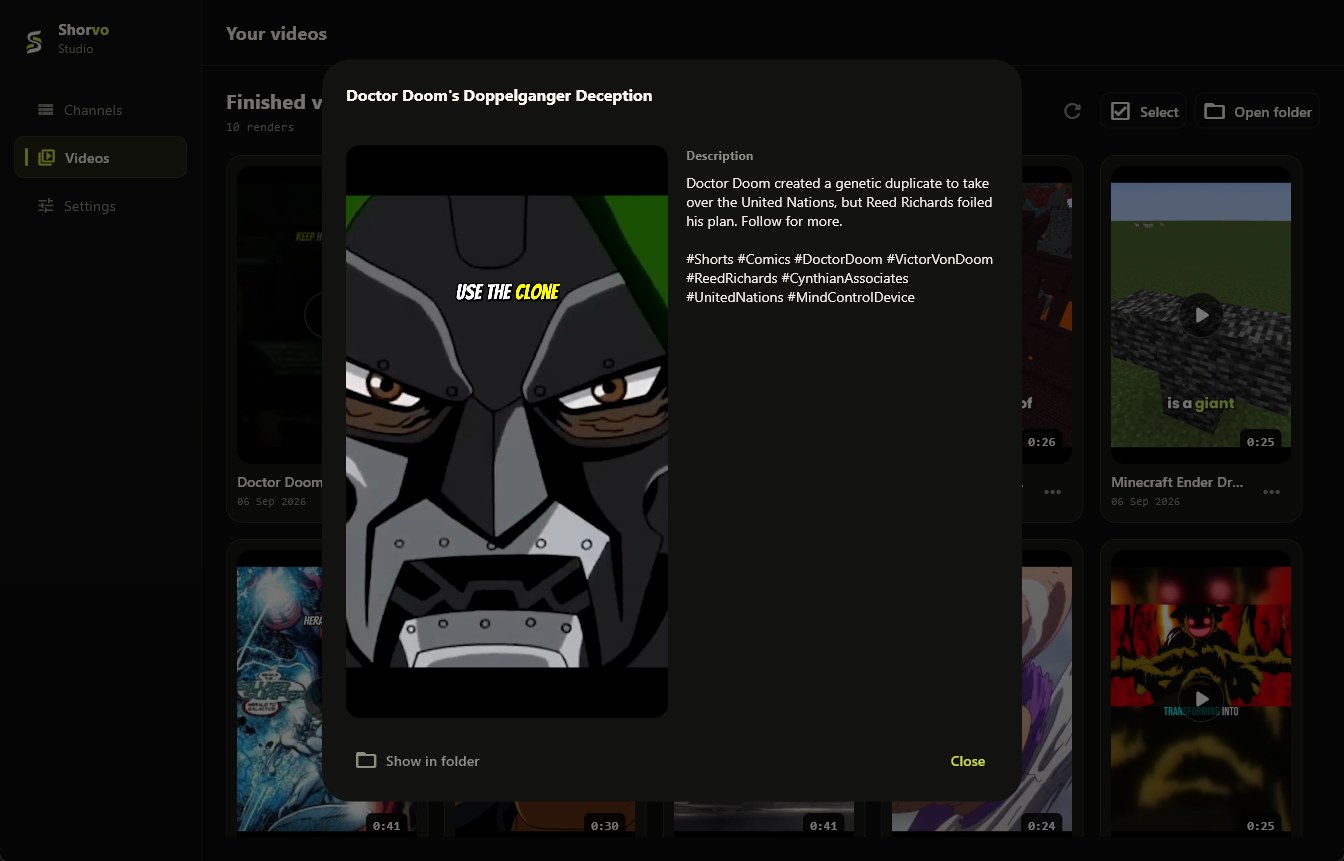
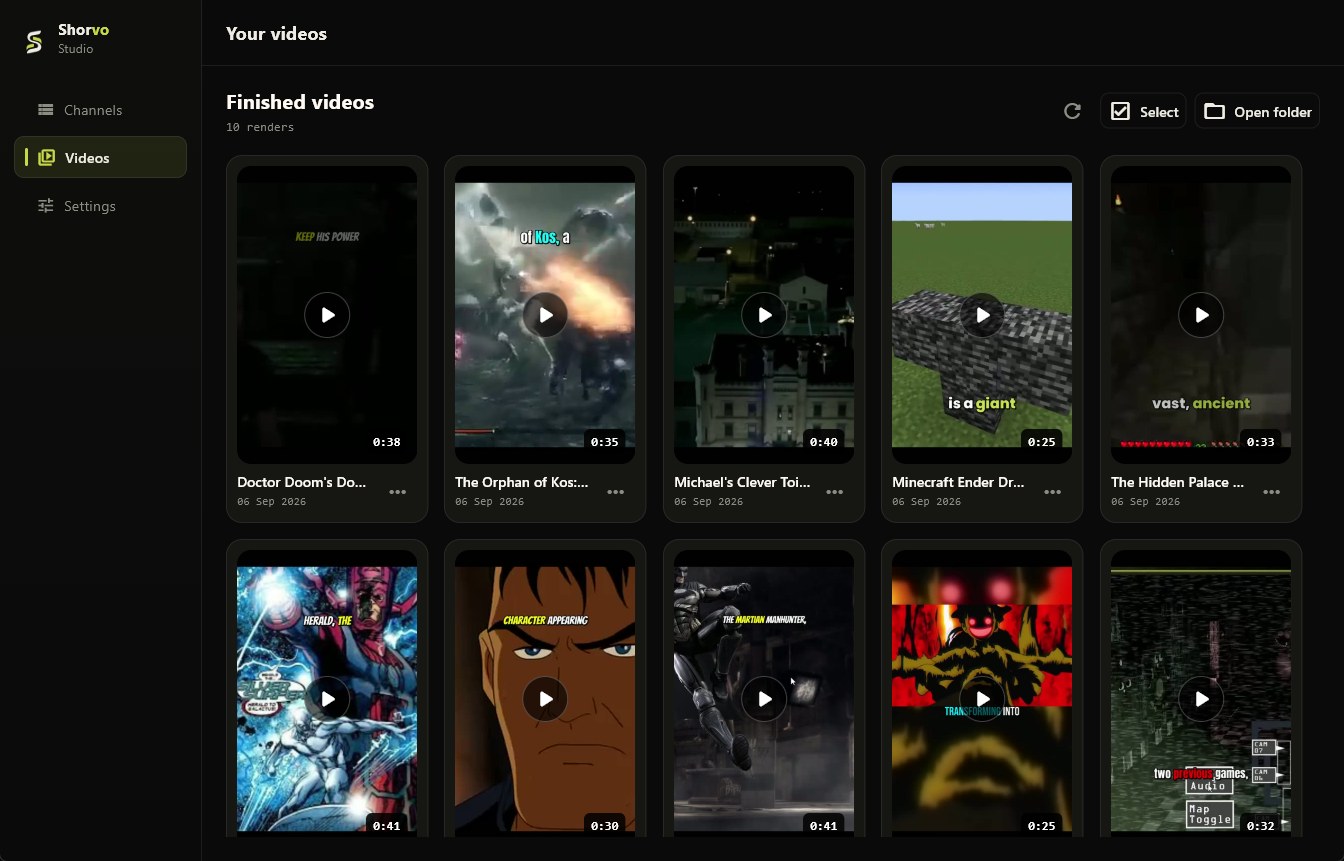
The MP4 lands in your Shorvo library and in a folder on your PC. Watch it first, then upload it to YouTube Shorts, TikTok or Reels yourself.
Prefer to start from a topic? Shorvo has an optional writer that drafts the script for you. It runs on your PC and is a separate free download of about 4.7 GB in Settings, so it is not ready the moment you install. Pasting a script is.
What Shorvo handles.
The parts of a faceless Short that usually take an editor, a stock site and a separate voice tool.
- FootageClips found around your subject and screened before they are used.
- NarrationYour script read aloud by an AI voice, generated on your PC.
- CaptionsWord-timed captions burned into the video.
- RenderingA vertical 1080 by 1920 MP4, ready for you to review.
Who it is for.
Faceless Shorts channels
Gaming, film and TV, history or explainer channels where the voice and the footage carry the video and nobody needs to be on camera.
People who already write scripts
If the words are done and the editing is what slows you down, paste the script and let Shorvo put the video together.
Creators who post often
One channel per subject keeps the voice, captions and style the same from video to video, so you are not rebuilding a project every time.
Not a fit if you film yourself, want a mobile or Mac app, or want software that posts to your channel for you. Shorvo makes the video; you decide what gets published.
A Windows app, not a website.
Shorvo is a program you install on Windows 10 or 11 (64-bit). Narration, captions and the final render happen on your own machine, and the files stay on it. You need an internet connection to sign in and while Shorvo finds footage. There is no Mac, browser or mobile version.
Buy it once.
Many AI video tools charge every month. Shorvo is one payment.
Try Shorvo free.
$0
Your first 3 successful videos.
- No card required
- Small Shorvo watermark
- Same workflow as Pro
Pro Lifetime.
One payment, no subscription.
$129$77.40$129
One payment, incl. VAT. No subscription.
- Unlimited videos and channels
- No monthly credits
- No Shorvo watermark
Questions about Shorvo as a Shorts generator.
Can I make faceless YouTube Shorts with Shorvo?
Yes. Each Short is built from footage, a narrated voice and burned-in captions, so nobody appears on camera.
Can I use my own script?
Yes, and it is the quickest way to start. Paste it into the script box. Shorvo reads it aloud, finds footage around its subject and adds captions. It does not promise that every line gets a matching clip, so watch the result before you post.
Can I start from just a topic?
Yes, once the optional writer is installed: a free download of about 4.7 GB in Settings that runs on your PC. It drafts a script from your topic, and you can edit the draft before anything renders.
Do I need a separate video editor?
No. What you get is a finished MP4 with the narration and captions already in it. You can still open it in any editor if you want to change something.
Does Shorvo upload to YouTube or run my channel?
No. Shorvo makes the video and saves it to your library and a folder on your PC. You review it and upload it yourself. It does not post, schedule or manage a channel.
How long does one Short take?
It depends on the topic and the PC. On our test PC, recent videos took roughly 7 to 17 minutes each, running in the background. The first video also downloads a one-time media component.
Am I allowed to monetise what it makes?
That is your decision and your responsibility. Shorvo assembles footage from third-party sources, so check the video before you publish. We make no claim that any output is copyright-free or eligible for monetisation. Content responsibility.
Is there a subscription?
No. The first 3 successful videos are free. Pro Lifetime is one payment of $129. Pricing.
Does it work on Mac or in the browser?
No. Shorvo runs on Windows 10 and Windows 11, 64-bit only. New to making Shorts on a computer? Read how to make YouTube Shorts on PC.
Make your first Short free.
3 videos free. No card required. Windows 10/11.